Plans and usage limits, explained
No account, Free, Pro or Max? How the 5-hour session and the weekly limit work, why the model you pick matters, and how to choose the right plan.
Nella is designed to be generous and predictable. Rather than counting messages one by one, it measures how much work your requests take, over two time windows that reset on their own. Here’s how it works, and how to choose the plan that suits you.
The four plans at a glance
| Plan | For | Models | Creations |
|---|---|---|---|
| No account | Trying Nella right now | Nella Quick | — |
| Free | Everyday use, history on all your devices | Nella Quick | — |
| Pro | Daily work and building | All three | Included |
| Max | Working with Nella all day long | All three | Included |
Max comes in two tiers, 5× or 20× the usage of Pro, with longer answers. Current prices, in Canadian dollars, are on the pricing page; paying annually gives you two months free. There’s no commitment and you can cancel at any time.
Two windows: 5 hours and one week
Your usage is counted over two periods:
- The 5-hour session starts with your first message and resets five hours later.
- The week sets an overall ceiling, and it also resets automatically.
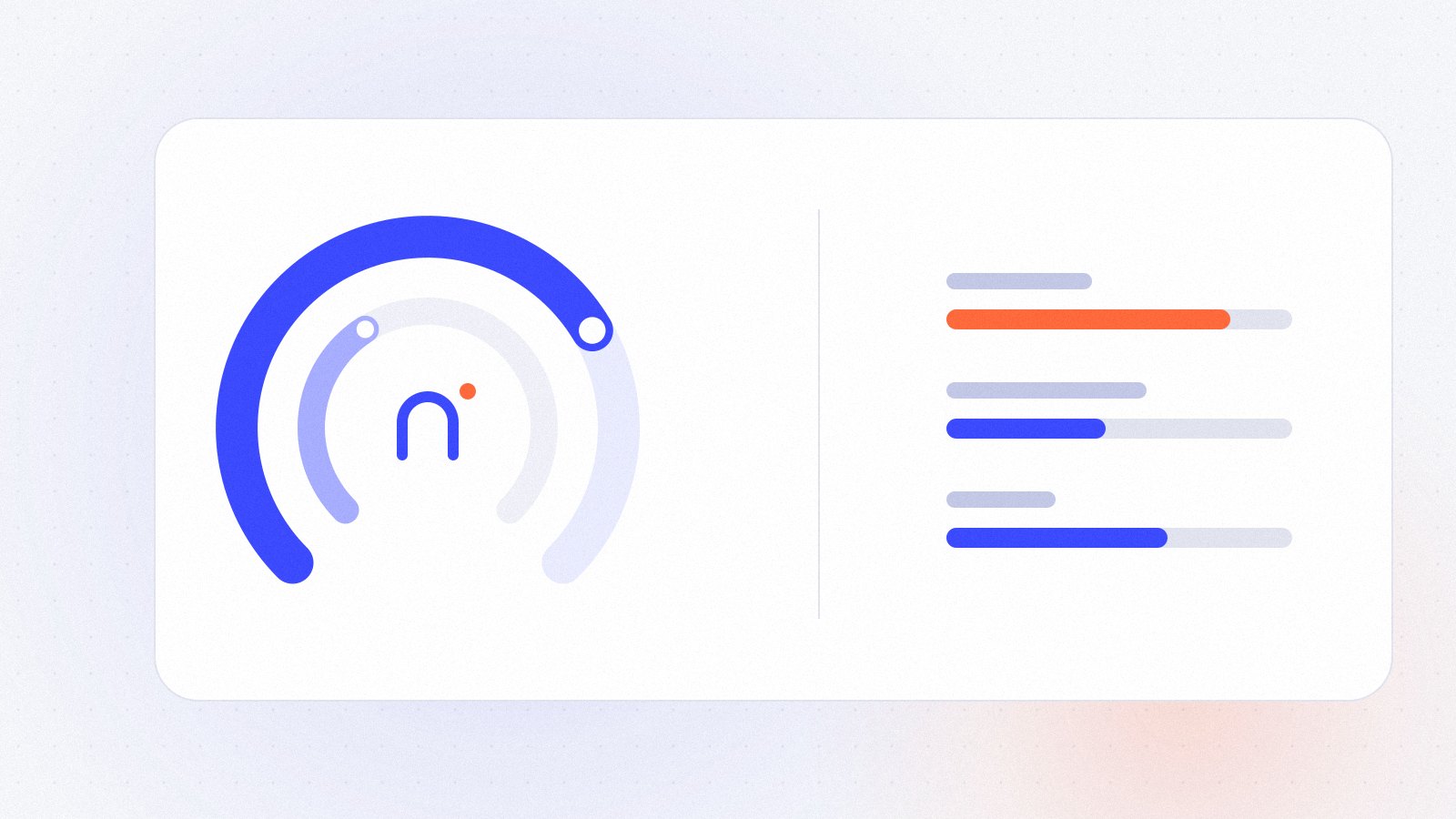
In the app, Settings › Plan and usage shows two gauges with the share you’ve used and the time of the next reset. When you reach a limit, you can’t send new messages until that reset, and the app tells you exactly when you can pick up again.
Why the model matters
Not every answer costs the same. A model that thinks longer gives better answers to hard problems, but it uses more of your limit:
- Nella Quick answers instantly and uses the least.
- Nella thinks before answering: the right default for most work.
- Nella Expert reasons in depth. It’s worth it for complex code, long Creations or difficult decisions, and it uses the most.
The length of a conversation counts too: in a very long thread, each new message carries more context. Starting a New conversation when you change topics keeps things fast and economical.
Make your usage go further
- Match the model to the task. Rewording an email? Quick. Designing an app? Nella or Expert.
- Start fresh for a new topic. Long threads cost more per message.
- Be specific from the start. A clear request saves several rounds of corrections; see how to write better prompts.
- Use Edit message to fix a request instead of stacking corrections on top of it.
Which plan is right for you?
- You ask a few questions a day: Free is enough, and it keeps your history on all your devices.
- You write, analyze or build every day: Pro unlocks all three models and Creations, with far more usage.
- Nella is part of most of your working day, or you regularly reach Pro’s limits: Max, 5× or 20×.
You can change plans from the pricing page or in Settings › Plan and usage. Prices are in Canadian dollars, taxes extra. Curious about what Pro unlocks? Read our guide to Creations.