Nella on the web Available
Nella on the web. Nothing to install, it’s all there.
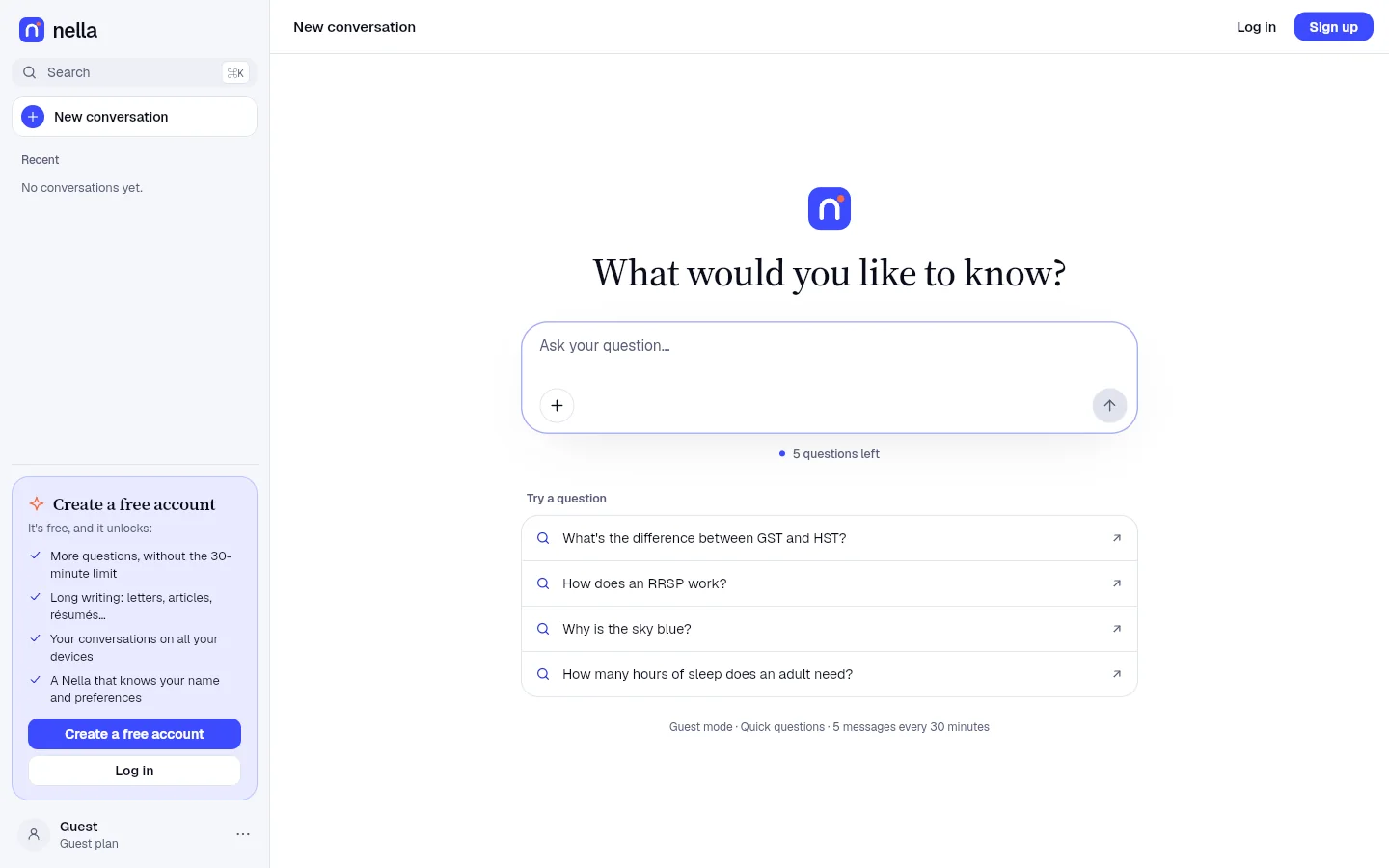
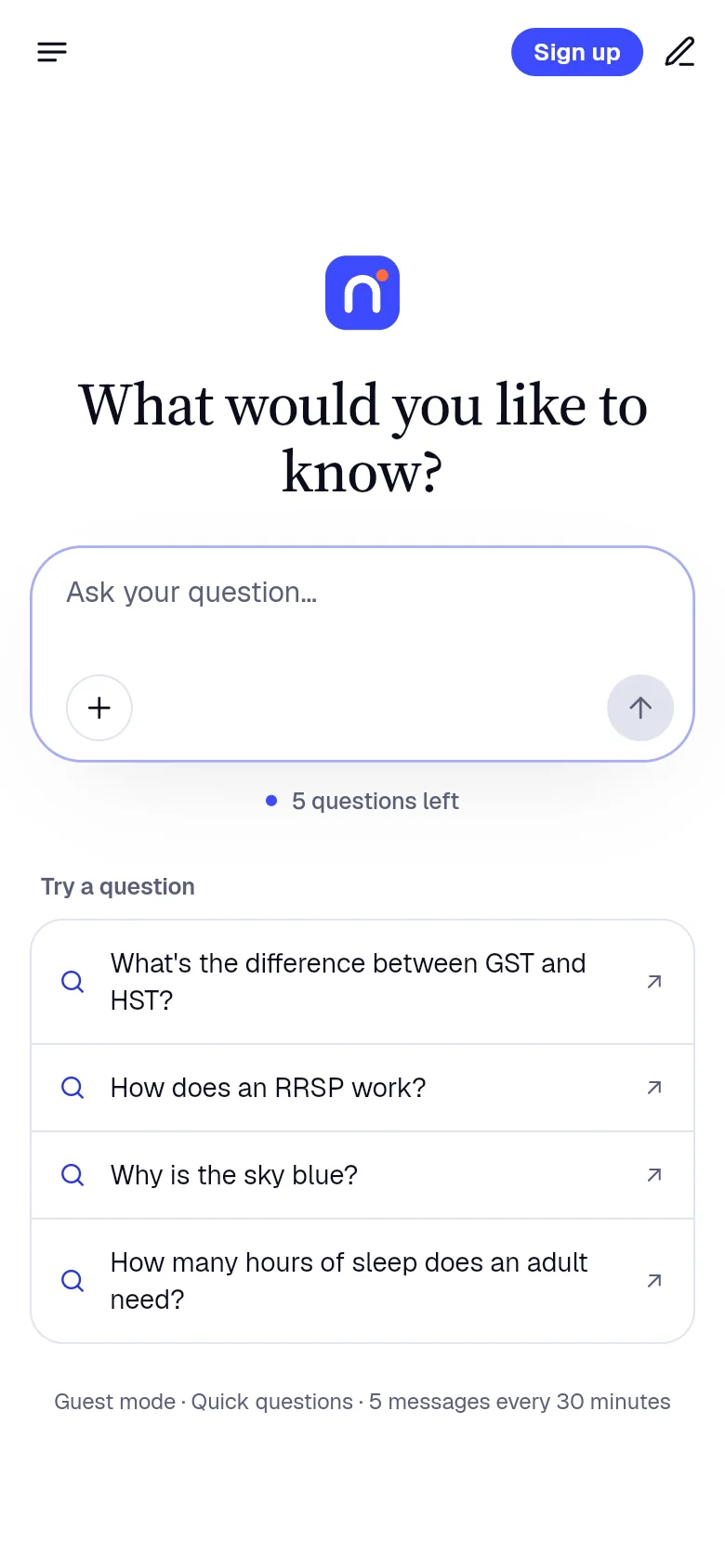
Open Nella in your browser on a computer, tablet or phone. Always the latest version, installable as an app, and usable without an account to start.
Free to start · No credit card
- Browsers
- Chrome, Edge, Firefox, Safari
- Installation
- None
- As an app
- Installable (PWA)
- Version
- Always the latest
Designed for the browser
All of Nella, one address away.
-
Nothing to install
One address and you’re set: Nella works on computers, tablets and phones.
-
Installable as an app
Add Nella to your Dock, taskbar or home screen: it opens in its own window.
-
Always up to date
Every visit loads the latest version. Nothing to download, nothing to update.
-
No account to start
Questions and web search in guest mode: 20 free messages every 3 hours. Create a free account to keep your conversations and build websites and apps.
The same everywhere
Everything Nella does, here too.
The same account, the same conversations and the same plan on all your devices: what you start on one continues on the other.
-
Chat and write
Emails, letters, summaries, outlines: describe what you need and Nella writes it in your language.
-
Build websites and apps
Nella writes the code and shows the result live, in an isolated frame. Included in every plan, starting with a Free account.
-
Web search with sources
For news and recent facts, Nella searches the web and cites its sources.
-
Files and photos
Attach a document or a photo: Nella reads it, summarizes it or answers your questions about it.
-
Memory
Your name, your work, your preferences: Nella remembers them from one conversation to the next.
-
Projects
Group the conversations about one topic so you can pick up each piece of work where you left it.
-
Dictation and read aloud
Speak instead of typing, and have answers read aloud.
-
Six languages
English, French, Spanish, Portuguese, German and Arabic, with a right-to-left layout in Arabic.
Installation
Get started in three steps
-
1
Open nellacorp.com/app
In Chrome, Edge, Firefox or Safari, on any device.
-
2
Start right away
Without an account, or sign in to find your conversations.
-
3
Install it if you like
Chrome and Edge: the install icon in the address bar. Safari on Mac: File, “Add to Dock”. iPhone: Share, “Add to Home Screen”.
System requirements
What you need.
| Browsers | A recent version of Chrome, Edge, Firefox or Safari |
|---|---|
| Devices | Computer, tablet or phone |
| Installation | None; installable as an app (PWA) |
| Updates | Automatic, on every visit |
| Connection | An Internet connection |
| Languages | English, French, Spanish, Portuguese, German and Arabic |
Updates and security
Always up to date, always protected.
-
Encrypted connection
Everything you exchange with Nella goes over an encrypted HTTPS connection.
-
Mandatory security fixes
When a version fixes a vulnerability, it becomes mandatory: Nella asks you to install it before you continue.
-
Your data stays yours
No ads and no ad tracking. Export your conversations or delete your account from Settings.
Frequently asked questions
Nella on the web: your questions
Another question? Visit the help center or write to us.
Do I need to install anything?
No. Nella works in your browser. You can install it as an app if you prefer a separate window.
Which browsers are supported?
Recent versions of Chrome, Edge, Firefox and Safari, on computers, tablets and phones.
How do I install Nella as an app?
Chrome and Edge: click the install icon in the address bar. Safari on Mac: File, “Add to Dock”. iPhone and iPad: Share, “Add to Home Screen”. Android: menu ⋮, “Install app”.
Can I use Nella without an account?
Yes. In guest mode you get 20 free messages every 3 hours with Nella Quick for your questions and web searches, and your conversations stay in this browser. Create a free account to keep them and to build websites and apps.
Is it the same Nella as in the apps?
Yes: the same conversations, the same account, the same plan. The apps add what is specific to each system, like the Mac menu bar or automatic updates.
Are my conversations the same everywhere?
Yes, once you’re signed in: your conversations and plan follow you on iPhone, Android, Mac, Windows, Linux, VS Code, browsers, JetBrains IDEs and Microsoft Office.
Other platforms
Nella on your other devices.
- iPhone and iPad iOS 15 or later, on iPhone and iPad. Available
- Android Android 7.0 or later, phones and tablets. Available
- Mac macOS 12 or later, on Apple silicon. Available
- Windows Windows 10 and 11, 64-bit. Available
- Linux AppImage and .deb, x64. Available
- Code editors VS Code 1.95+, Cursor, VSCodium, Windsurf. Available
- Browsers Chrome, Edge, Brave, Opera and Firefox. Available
- JetBrains IDEs Android Studio, IntelliJ IDEA, PyCharm, WebStorm. Available
- Microsoft Office Word, Excel, PowerPoint, Outlook. Available
- All platforms Compare the apps and their download links.